A Stray Line Chapter 1 Demo Checklist
A practical run sheet for wishlist prep, first-session setup, drawing combat practice, and boss readiness before you commit to Taoyi's story.
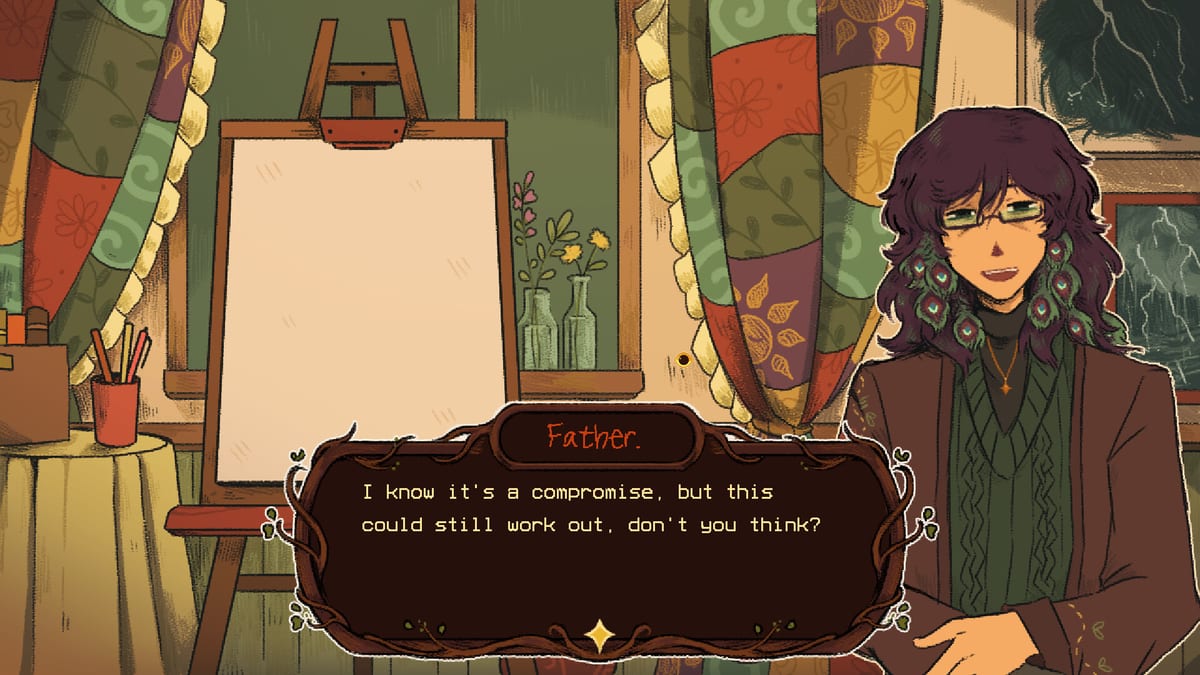
Use this checklist for A Stray Line (Sprout Haven, Steam app 4309480) ahead of and during the Chapter 1 demo in August 2026. The full game spans four chapters; the demo is Chapter 1 and includes point-and-click exploration, notebook spell drawing, and at least one major boss encounter per official store copy. Copy any section below into your notes app, print it, or tick items mentally — the goal is a confident first session without spoiling story beats you would rather discover blind.
For routed story help after setup, open the Walkthrough. For spell mechanics, puzzle habits, and beginner framing, browse Guides. This page stays focused on player logistics and combat readiness.
Wishlist and notifications
Interactive demo checklist
Checks stay in this browser only.
Before you play
First session
Combat readiness
Copy this block as-is:
[ ] Wishlist A Stray Line on Steam (app 4309480)
[ ] Enable Steam email notifications for wishlisted releases
[ ] Follow Sprout Haven on Kickstarter for demo timing updates
[ ] Join Discord for patch notes and community spoiler tags
[ ] Confirm free Chapter 1 demo (not a paid early access gate)
[ ] Note mature content warnings: gore, dissociation, child distress, death, cursing
[ ] Decide co-play or solo — single-player adventure, no co-op listed
Wishlisting matters because Steam is the primary distribution channel Sprout Haven uses for demo alerts. The Kickstarter campaign may overlap with demo marketing; treat it as supplemental funding news, not a required purchase to play Chapter 1. Mature content is real — the store page asks players to take care. If those themes are deal-breakers, you can still use this wiki’s Review section to understand tone without installing.
Settings and input check
Copy this block before your first launch:
[ ] Windows 10 64-bit or macOS 10.15+ with 6 GB free storage
[ ] Run in windowed or borderless if you need Alt-Tab reference notes
[ ] Set resolution so the notebook drawing area is large and readable
[ ] Test mouse drawing: smooth curves, closed shapes, no accidental right-clicks
[ ] If using touchscreen: dry hands, palm rejection if available
[ ] If using art tablet: map pen to mouse, disable pressure if strokes break
[ ] Audio: headphones for dialogue; note any dissociation-heavy scenes
[ ] Subtitles on if provided — dialogue carries puzzle hints
[ ] Confirm keyboard shortcuts for examine / talk / inventory
[ ] Close overlay apps that steal mouse focus during combat
Sprout Haven designed drawing combat for mouse first, with touchscreen and tablet support called out on Steam. There is no shame in switching devices after the tutorial — many players find a pen easier for stars and tight loops. Detailed hardware floors live on System Requirements.
Exploration first session
Copy this block for a spoiler-light routing mindset:
[ ] Talk to every NPC in the home clearing before leaving far paths
[ ] Examine interactive hotspots until cursor states change
[ ] Pick up story items even if inventory looks full — note quest flags
[ ] Read environmental text; found-family tone hides mechanical hints
[ ] Map dead ends mentally — demo scope is one chapter, not open world
[ ] Save after major cutscenes if manual saves exist
[ ] Screenshot puzzle states before experimenting destructively
[ ] Note stray animals and art exhibits — side interactions may gate combat prep
[ ] When stuck 10+ minutes, check Walkthrough by scene name only
[ ] Avoid combating until notebook tutorial explicitly introduces glyphs
A Stray Line is still a point-and-click adventure at its core. Drawing is the spectacle, but examination and dialogue advance Taoyi Feng’s story about a forgotten girl, changed woodlands, and a clean slate she may not deserve. Rushing combat early can mean practicing symbols before the notebook UI explains recognition rules.
Combat practice goals
Copy this block after the tutorial grants spell access:
[ ] Identify one defensive glyph and one counter glyph from on-screen prompts
[ ] Practice drawing at combat scale — not tiny notebook doodles
[ ] Close shapes fully; open arcs fail pattern recognition
[ ] Draw at steady speed — panic scribbles miss more often
[ ] Watch projectile telegraphs before starting a stroke
[ ] Repeat each new shape 10 times out of combat if a safe area allows
[ ] Log shapes in your own words (circle, star, line cross) — no third-party cheat sheet required
[ ] Test failure recovery: what happens when a draw misfires?
[ ] Pause between waves if the game allows — treat it like a rhythm drill
[ ] Read Symbol Practice page for methodology, not a fake full symbol list
Public materials describe real-time drawing against incoming projectiles, with symbols tied to what you see. That is pattern recognition under time pressure, not a turn menu. The Symbol Practice page explains drills using simple geometry — circles, stars, basic glyphs — without claiming we catalog every demo encounter.
Chapter 1 boss readiness
Copy this block before the chapter boss fight:
[ ] Full health or closest equivalent restored
[ ] Consumables or story perks acquired in chapter — verify inventory
[ ] Notebook accessible without UI overlap from cutscene letterboxing
[ ] Input device locked — no mid-fight tablet swap
[ ] Recognize boss phase change audio or background shift
[ ] Prioritize survival draws over flashy optional spells first loop
[ ] Expect one main boss per chapter per developer statements
[ ] After first defeat, note which glyphs timed out — practice those only
[ ] Second attempt: slow down telegraph reading before speed running
[ ] Post-boss: save immediately and capture ending credits or cliffhanger text
Each chapter promises one primary boss encounter. Treat attempt one as reconnaissance: learn projectile cadence, not perfect rank. If you need phase-specific routing after that, the Walkthrough will carry spoiler-tagged boss sections once the community documents them.
After the demo
When credits roll or the chapter ends on a cliffhanger:
- Leave an honest Steam review if you wish — it helps indie visibility.
- Keep wishlist active for the full four-chapter release (date TBA).
- Archive your personal glyph notes for Chapter 2; do not assume shapes stay identical.
- Share feedback in Discord using spoiler tags.
Related pages
- Symbol Practice — drawing drills and honest limits of public info
- Tools Hub — overview of all player aids
- Demo Wishlist Guide — Steam and Kickstarter context
- What to Expect — tone, themes, and cozy horror framing
Frequently Asked Questions
Quick answers drawn from what players ask most.
Can I use this checklist if I already finished Chapter 1?
Yes. Reuse the combat and boss sections before hard mode, achievement runs, or when helping a friend install the demo with the same prep you wish you had on day one.
Why does the checklist avoid listing every symbol?
Sprout Haven has not published a complete official symbol chart for all encounters. Listing unverified glyphs would spoil discovery and could be wrong after patches. Practice methods beat fake completeness.
Where do I go if I am stuck on a puzzle?
Finish input and combat sections first, then open the Walkthrough for scene-specific steps. Guides cover general spellcasting habits if the puzzle is teaching a new draw pattern.