A Stray Line How to Download the Chapter 1 Demo
Steam install steps for the free A Stray Line demo on Windows and macOS before and after August 14, 2026 launch.
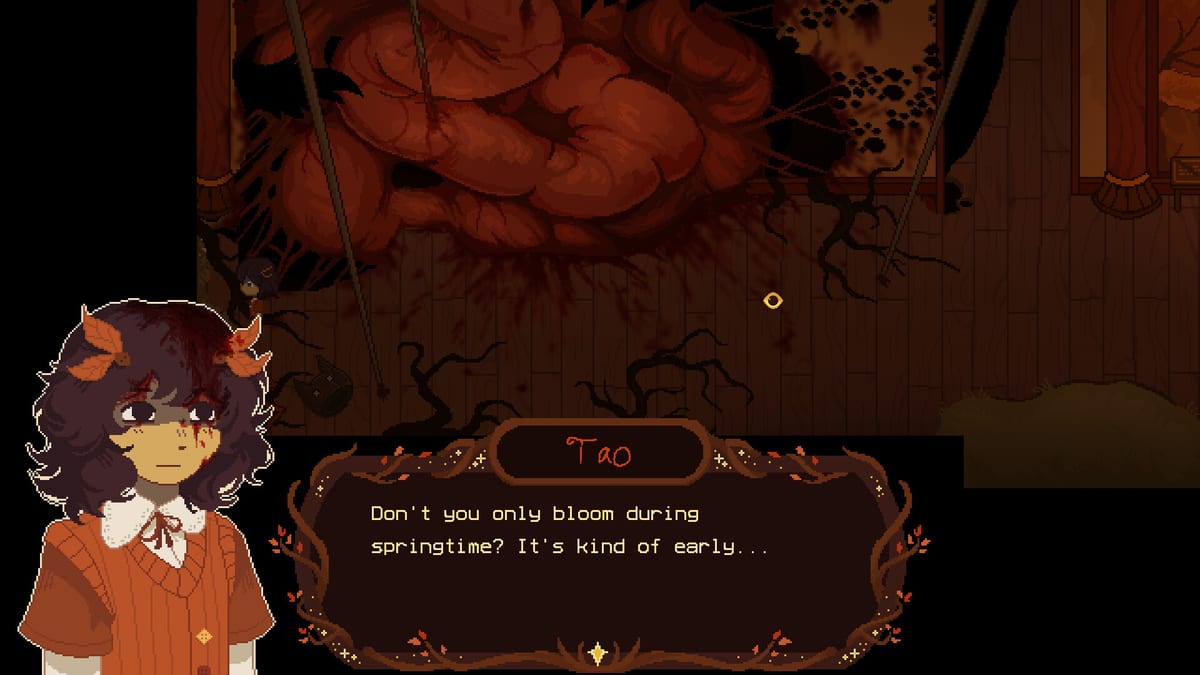
The A Stray Line Chapter 1 demo is a free Steam download tied to Sprout Haven’s main store listing (app 4309480). It goes live Friday, August 14, 2026 at 9:00 AM PST according to developer announcement — see Launch Day for timezone tables. This guide walks through wishlist versus install, finding Download Demo, library filters, Windows and Mac setup, and a post-install checklist so your first session matches Getting Started expectations.
You do not pay to play Chapter 1. You also do not automatically receive the demo files by wishlisting alone — you must accept the demo install when Steam exposes the button or depot.
Before you click Download Demo
Complete these steps even if launch day has not arrived:
- Sign in to the Steam account you want the demo on — Family Sharing may apply; see Accessibility for Steam’s Family Sharing tag.
- Wishlist A Stray Line for email and client notifications.
- Verify disk space — about 6 GB per System Requirements.
- Confirm OS — Windows 10 64-bit or macOS 10.15+ with listed GPU requirements.
- Choose input — mouse and keyboard are primary; touch and drawing tablets are supported for spell drawing.
Optional: read Content Warnings before install if mature themes are a concern.
Step-by-step: download on Steam (web or client)
Store page method
- Open https://store.steampowered.com/app/4309480/A_Stray_Line/ while logged in.
- On launch day, locate Download Demo or Play Demo near the purchase panel.
- Click to add the demo depot to your library — related store API data lists demo app 4357360; players usually interact through the main page UI.
- When prompted, start the download and note install path if you manage multiple drives.
Library method (after install prompt)
- Open Steam Library.
- Search A Stray Line.
- If hidden, open the Games dropdown and enable Demos or show All.
- Select the entry and press Install if download did not auto-start.
If no demo appears at the announced hour, follow Launch Day troubleshooting before using unofficial mirrors.
Free demo versus paid full game
Chapter 1 demo access costs $0. The eventual full four-chapter release is a separate TBA purchase on the same franchise page. Installing the demo does not charge your wallet or subscribe you to paid content.
Uninstalling the demo later does not remove your wishlist entry for the commercial release.
Windows install notes
Steam minimums specify 64-bit Windows 10, Intel i5-6300U class CPU, 4 GB RAM, Intel HD 520 graphics, DirectX 11, and 6 GB storage. Integrated graphics should run a 2D adventure, but close heavy browser tabs before drawing battles for stable frame times.
After first launch:
- Test windowed versus fullscreen if UI mis-clicks appear.
- Update GPU drivers if shader stutter occurs.
- Confirm mouse sensitivity before notebook tutorials — details in Controls.
macOS install notes
macOS 10.15+ on Intel with OpenGL 2.0 compatibility is listed. Apple Silicon Macs may run via Rosetta depending on build flags at launch — check Steam discussions after August 14 for community reports; this wiki updates when Sprout Haven confirms native support.
Grant disk permissions if macOS prompts for documents access. Keep 6 GB free for install plus updates.
Post-install checklist
Run through this list once the demo executable exists:
- Launch once to completion of any shader or first-run setup.
- Open settings — volume, display mode, and any input options shown in the demo build.
- Complete tutorial prompts before skipping — notebook access often gates on early dialogue.
- Create a save after the first safe room if slots are available.
- Run Demo Checklist sections for exploration, combat, and boss prep.
- Bookmark How to Complete Chapter 1 for milestone tracking.
If spell recognition fails repeatedly, switch input device or read How to Draw Spells before assuming a puzzle is broken.
Common download issues
| Symptom | First fix |
|---|---|
| No Download Demo button | Refresh store page; confirm date per Launch Day |
| Demo not in library | Enable Demos filter; restart Steam client |
| Disk space error | Free 6 GB+; clear Steam download cache if stuck |
| Mac gatekeeper block | Open via Steam library, not quarantined copies |
| Wrong account | Check Steam username before downloading on shared PC |
Report reproducible bugs on Discord with steps — avoid sharing suspicious repacks.
Relationship to Kickstarter
Kickstarter backing supports production but is not required to download the public demo. Backer keys, if any for future tiers, will be described on the live campaign — default expectation is Steam demo button for everyone at launch.
After download
Proceed to Getting Started for cast context, How to Play for session flow, and the Guides hub for spell and boss primers. Return here if you reinstall on a second machine using the same Steam account.
Frequently Asked Questions
Quick answers drawn from what players ask most.
Is the A Stray Line demo free on Steam?
Yes. Chapter 1 is the demo and installs at no cost. The full four-chapter game will be a separate paid release when announced.
Does wishlisting auto-download the demo?
No. Wishlist sends notifications; you still click **Download Demo** on launch day. See Launch Day.
Which Steam app ID is the main game?
App **4309480** for A Stray Line. Demo depot data references **4357360** in store API listings.
Can I install on both Windows and Mac?
Steam allows platform installs per account if you own compatible hardware. Specs differ — read System Requirements.
What should I do immediately after install?
Run the post-install checklist above, then Getting Started and Demo Checklist.