A Stray Line System Requirements
Official Steam minimum specifications for Windows and macOS, plus practical notes for drawing combat on mouse, touch, and tablet.
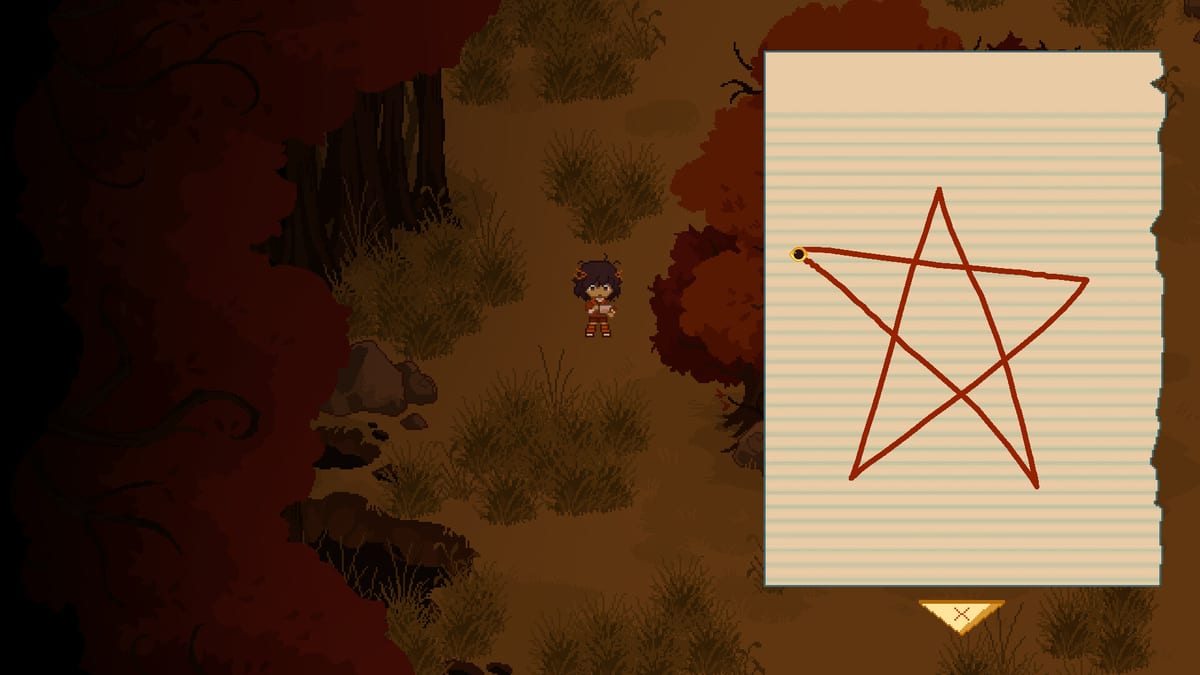
Before you wishlist or install the A Stray Line Chapter 1 demo in August 2026, confirm your hardware meets the minimum specifications published on Steam for app 4309480. Sprout Haven has not posted recommended tiers yet — this page lists only what the storefront confirms, then adds practical guidance for drawing-based spell combat without inventing higher bars.
If you still need wishlist steps or trailer context, read Demo Wishlist. For copyable prep lists, use the Demo Checklist.
Windows minimum (Steam official)
| Component | Requirement |
|---|---|
| OS | Windows 10 (64-bit) |
| Processor | Intel Core i5-6300U |
| Memory | 4 GB RAM |
| Graphics | Intel HD Graphics 520 |
| DirectX | Version 11 |
| Storage | 6 GB available space |
| Notes | Keyboard and mouse intended; touchscreens and drawing tablets supported |
Steam also states 64-bit processor and operating system required for the minimum line. There is no Windows minimum entry beyond integrated HD 520 — discrete GPU is not listed as required at this tier.
What this tier means in practice
The i5-6300U and HD 520 pairing matches common 2015–2017 ultrabooks. A 2D point-and-click adventure with drawing overlays should run at modest resolutions on that class of machine, but combat sections benefit from stable frame pacing. Close heavy browser tabs, plug in laptop power, and prefer 1080p or lower if you see stutter while drawing.
DirectX 11 is standard on Windows 10. If Windows Update lags, install the latest platform updates before demo day.
Windows checklist before install
[ ] Windows 10 64-bit (Windows 11 generally compatible but verify locally)
[ ] At least 6 GB free on the install drive
[ ] Intel HD 520 or better GPU with updated drivers
[ ] DirectX 11 runtime present
[ ] 4 GB RAM — 8 GB recommended for comfort with background apps
[ ] Mouse or drawing tablet tested in OS settings
[ ] Steam client updated
macOS minimum (Steam official)
| Component | Requirement |
|---|---|
| OS | macOS 10.15 |
| Processor | Intel |
| Memory | 4 GB RAM |
| Graphics | OpenGL 2.0 compatible |
| Storage | 6 GB available space |
| Notes | Keyboard and mouse intended; touchscreens and drawing tablets supported |
Steam notes that starting February 15, 2024, the Steam client no longer supports macOS 10.14 or lower. Stay on 10.15 Catalina or newer for Steam itself, not just the game.
Apple Silicon considerations
The published minimum specifies Intel processors. Many Apple Silicon Macs run Intel-only indie builds through Rosetta 2 translation, but performance and compatibility are not guaranteed on the store page. Test the demo early after launch if you use M-series hardware; report issues constructively on Discord with macOS version and chip model.
OpenGL 2.0 compatibility is a baseline graphics API statement — macOS deprecates OpenGL broadly, yet many 2D adventures still ship this profile.
macOS checklist before install
[ ] macOS 10.15 Catalina or newer
[ ] Intel Mac matching store text, or Apple Silicon with Rosetta expectations
[ ] 6 GB free storage
[ ] OpenGL 2.0 compatible GPU path
[ ] 4 GB RAM minimum — 8 GB recommended
[ ] Mouse or tablet configured
[ ] Steam for macOS updated
Recommended specifications
Steam’s recommended section is currently empty for both Windows and macOS. We will not fabricate GPU or CPU targets. If Sprout Haven fills recommended rows before or after demo launch, this page should be updated from the store page directly.
Until then, assume 8 GB system RAM, SSD storage, and any discrete GPU on Windows are quality-of-life upgrades, not verified requirements.
Input devices and drawing combat
Store additional notes emphasize keyboard and mouse as the primary control scheme while supporting touchscreens and drawing tablets for notebook drawing. Requirements do not mandate a pen display — mouse-only play remains within spec.
Drawing recognition feels better when input polling is stable. Wired mice, quality tablet drivers, and disabling aggressive battery saver modes during boss attempts reduce false failures unrelated to skill.
See Symbol Practice for training methodology; hardware meets minimum spec does not automatically mean combat comfort on a trackpad.
Storage and install footprint
Six gigabytes available space is the listed minimum. Reserve extra margin for Steam shader caches, screenshots, and future patches. Demo size may be smaller than the full four-chapter release — reinstall planning matters when the commercial build arrives.
Language and audio
Current Steam language support lists English for interface. Full audio and subtitle coverage may expand — verify the language table on the store page at download time if you need accessibility features beyond English UI.
Linux and Steam Deck
No Linux or Steam Deck minimum specs appear on the official store page at the time of writing. Community Proton reports may emerge after demo launch; treat them as unofficial until Sprout Haven or Valve compatibility lists comment.
If you are below minimum
Options include playing on another machine, cloud streaming services if Steam allows your account, or waiting for potential optimization patches. Do not assume the demo will run on 32-bit Windows or macOS 10.14 — both are excluded by store footnotes.
Related pages
- Release hub — demo timing and status table
- Demo Wishlist — notifications and trailers
- Demo Checklist — session prep including input tests
- Links hub — official Steam and community URLs
Frequently Asked Questions
Quick answers drawn from what players ask most.
Can A Stray Line run on integrated graphics?
Yes at minimum spec — Intel HD 520 is explicitly listed for Windows. Performance depends on resolution and background load; close other apps during drawing combat.
Are recommended specs available?
Not yet on Steam. Only minimum requirements are published. This page will update when recommended tiers appear officially.
Do I need a drawing tablet?
No. Tablets are supported but not required. Keyboard and mouse are the stated primary input; many players will use a standard mouse.